
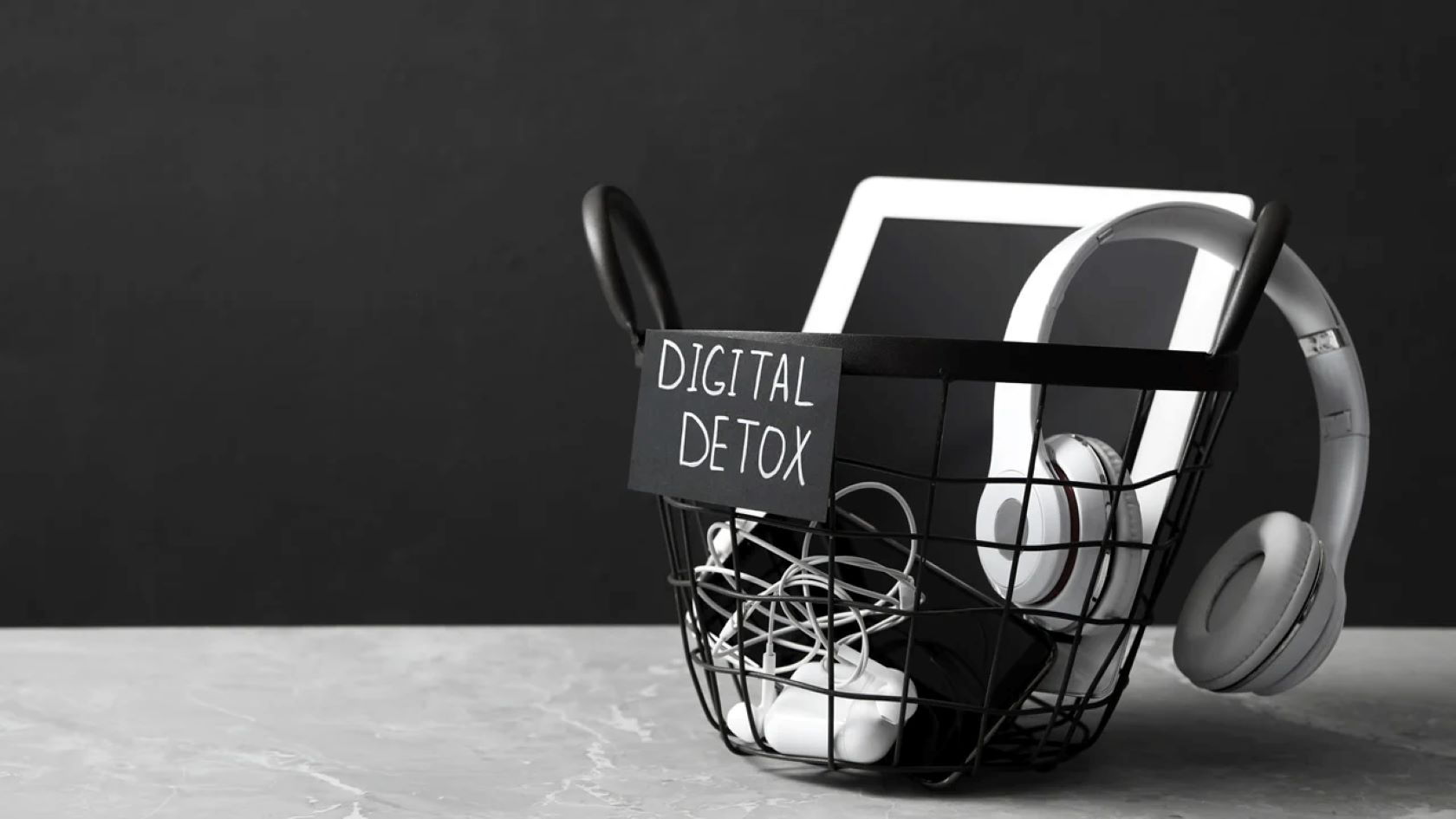

The modern idea of a digital detox, stepping away from devices entirely, often sounds a bit extreme. Many guides push the idea of deleting Instagram or TikTok outright, as if that is the only real solution. But for most people, that just is not realistic. These apps are tied to work updates, family chats, community groups, and sometimes even income. Cutting them out completely can feel less like balance and more like disappearing.
The good news is you do not need to vanish from the internet to regain focus. I think this part often gets overlooked. By gently restructuring your user interface and setting firmer digital boundaries, you can reclaim a surprising amount of time while keeping all your apps right where they are.
Phase 1: Audit Your Digital Consumption
Before changing anything, it helps to see what is actually happening. Most modern devices already track this, even if we tend to ignore the data.
Check your screen time. On Apple devices running iOS, go to Settings and then Screen Time. On Google powered Android phones, open Digital Wellbeing. Spend a few minutes here, even if the numbers make you slightly uncomfortable.
Identify the real time sinks. Look beyond total hours and focus on apps with a high number of pickups. These are the ones you open almost reflexively, sometimes without even remembering why.
Acknowledge the dopamine loop. Apps like Instagram and TikTok are built around persuasive design. Likes, endless feeds, and subtle rewards are not accidental. Recognizing this does not magically fix the habit, but it does make the behavior feel less like a personal failure and more like a design challenge you can work around.
Phase 2: Silence the Noise Through Notification Management
Notifications are external triggers. They pull your attention away from whatever you are doing, often without permission. To detox without deleting apps, you need to move from a push environment to a pull environment.
First, disable non human notifications. Go through your settings and turn off alerts for anything that is not a direct message from a person.
Keep calls, direct texts, and calendar reminders. Mute news alerts, shopping deals, social media likes, and game reminders. This step alone can feel oddly quiet at first, maybe even uncomfortable, but the mental relief adds up quickly.
Next, use focus modes. Both iOS and Android now offer focus or do not disturb profiles. You can create modes for work, personal time, or sleep that hide certain apps or silence specific contacts during set hours. It is not perfect, but it creates a kind of virtual wall between you and your phone when you need it most.
Phase 3: Friction Based Reorganization
Here the goal is simple. If something is easy to reach, it gets used more. Small obstacles can make a big difference.
Try the one screen rule. Keep only utility apps on your home screen. Maps, calendar, notes, weather, maybe your camera. Everything else can move out of sight.
Bury the distractions. Social media and entertainment apps belong in folders on the second or third screen. This is not about punishment. It just slows you down enough to think for a moment.
Disable raise to wake. When your screen lights up every time you move your phone, it invites checking. Turning this off reduces those half conscious glances that turn into ten minutes of scrolling.
Use the search bar intentionally. Force yourself to type the app name instead of tapping an icon. This micro friction gives your brain a brief pause to ask whether opening the app is actually necessary right now.
Phase 4: Alter the Visual Appeal
App icons and feeds are designed with bright, warm colors for a reason. They are meant to pull you in. You can blunt that effect by switching your phone to grayscale mode.
To do this, go into accessibility settings and enable color filters or grayscale. The exact path varies, but it is usually only a few taps away.
The result is surprisingly effective. When Instagram or YouTube appears in black and white, the visual reward drops. Infinite scrolling becomes dull faster. You may still open the app, but you are more likely to close it again without much effort.
Phase 5: Establish Physical Tech Free Zones
A digital detox is not only about software. Your physical environment matters just as much.
Start with a bedroom ban. Use a physical alarm clock and charge your phone in another room. This reduces late night scrolling and that familiar cycle of revenge bedtime procrastination.
At meals, try the phone stack. Place all phones in the center of the table. The first person to touch theirs handles a small chore or penalty. It sounds silly, but it works more often than you would expect.
Finally, schedule analog blocks. Pick at least one hour a day when your phone stays in a drawer. Maybe from 7:00 PM to 8:00 PM. Read, walk, think, or just sit with the quiet. At first it might feel strange, even boring. Then, gradually, it starts to feel like space you did not realize you were missing.
A digital detox does not have to be dramatic or all or nothing. Sometimes it is just a series of small, thoughtful adjustments that give your attention back to you.
FAQ: Frequently Asked Questions
Q: Will I miss important information if I turn off notifications?
A: Most notifications are non-urgent. By checking apps on your own schedule (the “Pull” method), you remain informed without being interrupted. You can always whitelist “Emergency Contacts” in your phone settings.
Q: Is “Grayscale” really effective?
A: Yes. Research into Neuromarketing shows that bright colors trigger neurological excitement. Removing color reduces the “gamified” feel of your smartphone.
Q: What is the difference between a Digital Detox and Digital Minimalism?
A: A Digital Detox is often a temporary break to reset your brain. Digital Minimalism is a long-term philosophy where you only use tools that provide significant value to your life. This guide helps you transition from the former to the latter.
Q: How long does it take to see results?
A: Most users report a significant drop in “phantom vibration syndrome” (feeling your phone vibrate when it hasn’t) and improved focus within 3 to 5 days of implementing these changes.